

Running a Shopify store isn’t easy. From managing products and inventory to optimizing performance and answering endless customer queries, there’s always something on your mind. That’s where Shopify Sidekick, the new AI-powered assistant, can help you wonderfully.
Sidekick helps merchants do everything from writing product descriptions to analyzing sales trends, all through natural chat commands. It’s like having an ecommerce strategist, content writer, and operations assistant all in one tool.
In this blog, we’re breaking down exactly how to use Shopify Sidekick in your store, its key features, benefits, and how real merchants are leveraging it to streamline store management.
ON THIS PAGE
What is Sidekick
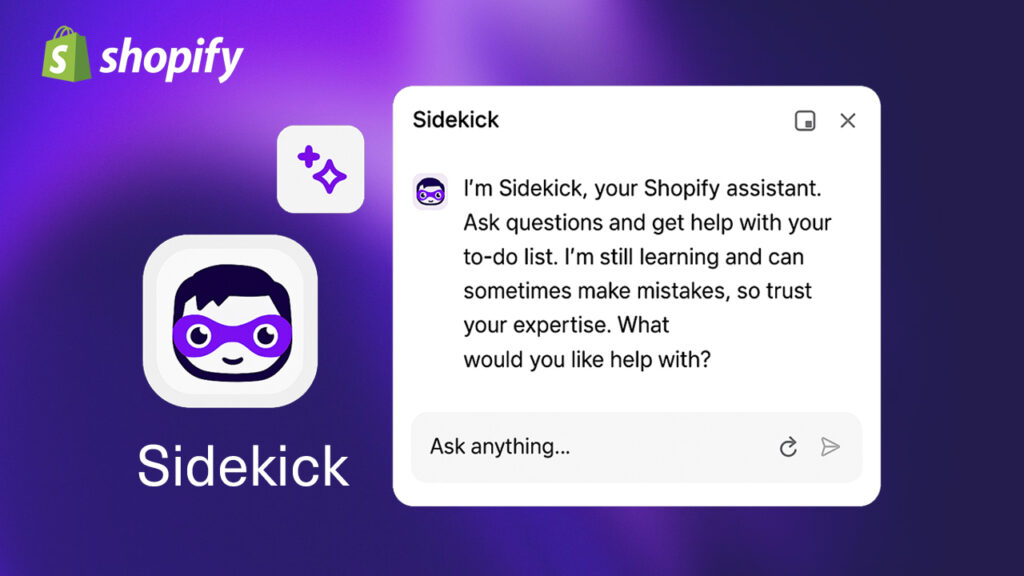
Shopify Sidekick is literally your sidekick. It is basically an AI-powered virtual assistant that enables you to work more efficiently with your store. Using Shopify’s genAI technology, it helps you create better product descriptions, analyse traffic trends, and suggest marketing ideas.
Because it’s built into your store, it knows your brand and business, which is why it gives accurate results, and all you need to do is give the prompt in an easy-to-use chat interface.
According to Shopify’s 2024 announcement, over 70% of beta testers reported completing store management tasks 40% faster with Sidekick.
Who Can Use Shopify Sidekick?
Shopify Sidekick is designed for merchants of all sizes, from small businesses launching their first online store to large brands managing thousands of products.
It can be especially useful for:
New Shopify Merchants
If you’re just starting your ecommerce journey, Sidekick can help you create product descriptions, organize collections, understand Shopify settings, and answer common store management questions.
Growing eCommerce Businesses
As your product catalog and customer base expand, managing daily operations becomes more complex. Sidekick helps reduce repetitive work by assisting with inventory checks, reporting, and content creation.
Marketing Teams
Marketing teams can use Sidekick to brainstorm campaign ideas, draft email content, write social media copy, generate blog topics, and improve product descriptions for search engines.
Store Managers
Store managers can quickly access business insights by asking questions about sales trends, customer behavior, inventory levels, and product performance instead of manually reviewing reports.
Shopify Plus Merchants
Larger businesses handling high order volumes can use Sidekick to improve team productivity, speed up everyday workflows, and simplify store administration.
No matter the size of your business, Shopify Sidekick is designed to save time by making routine tasks easier.
How to Start with Shopify Sidekick
Getting started with Sidekick does not require you to have expert coding skills or third-party apps.
- Update to the latest Shopify version: Sidekick is automatically integrated into the most recent Shopify editions.
- Log in to your Shopify Admin: You’ll find the Sidekick icon on your dashboard toolbar.
- Activate AI access (if prompted): Some accounts may need to join the beta waitlist or enable permissions.
- Start talking to Sidekick: You can simply type: “Sidekick, create a discount campaign for my new arrivals.”
Top Features of Shopify Sidekick
Shopify Sidekick is specifically designed to help businesses maximize results and minimize time utilization. You can use it to make smarter business decisions and ensure you can make the most of it.
Here are some of its key features:
1. Store Setup with AI
Sidekick makes it easier for you to set up your stores with the right product pages, collections, or even page layouts based on your prompts.
You can simply set up the goals with prompts like, “Set up a women’s skincare store with five sample products and a clean design.”
This will automatically create pages for you with placeholders and better navigation. According to some studies, this particular feature has helped businesses reduce time-to-launch by up to 60%.
2. AI-Powered Marketing Campaigns
Sidekick can help you generate campaign ideas for various things, such as emails, blogs, or ads. All you need to do is give prompts like “Create a product launch campaign for my summer collection”.
It provides you with everything related to your campaigns, including copies, CTA ideas, and more, while keeping your branding intact.
3. Data-Driven Insights
Data can open doors to better business decisions. You can use Sidekick to interpret analytics without having to check complex reports. For example, “Sidekick, which was my highest-selling product last month?” or “Which customers are buying specific products repeatedly?”
This will show you your store’s performance and suggest improvements, such as how to optimize the product page or adjust pricing.
4. Inventory and Product Management
It’s challenging to manage 100s of SKUs manually. You can reduce your stress simply by using Sidekick by giving prompts like “Find products that are about to be out of stock.”
It helps identify stock gaps, predict trends, and even draft restock alerts. This automation reduces manual tracking and ensures smoother operations.
5. Content & SEO Optimization
Shopify Sidekick uses generative AI to craft SEO-friendly copy for products, blogs, and meta descriptions. For example, you can write, “Rewrite this product description in a friendly tone and include SEO keywords.”
You can also ask for ideas like: “Suggest trending blog topics for eco-friendly apparel.”
It ensures your content aligns with both readability and search intent, without needing an external AI tool.

How to Use Shopify Sidekick Effectively
Now that Shopify has made this tool available, let’s take a look at how you can make the most out of it:
- Be Specific with Prompts: AI responds best to clear instructions. Instead of “write product descriptions,” say: “Write a 100-word product description for a handmade ceramic mug in a minimal tone.
- Leverage Contextual Commands: Sidekick can maintain ongoing context. Continue your chat instead of starting over — it remembers what you’re working on.
- Combine AI with Human Review: While Sidekick is powerful, human review ensures brand voice, accuracy, and creativity stay intact.
Also read- Shopify Analytics: A Definitive Guide [Tools + FAQs]
Benefits of Using Shopify Sidekick
- Faster Store Management: Automates repetitive tasks.
- Informed Decision-Making: Turns raw data into actionable insights.
- Personalized Experience: Adapts to your store’s needs and tone.
- Cost Efficiency: Reduces dependency on external apps or agencies.
- Accessibility: Works natively in the Shopify environment/
Conclusion
Shopify Sidekick is a revolution in how merchants run their businesses. From product descriptions and store setup to analytics and marketing, it simplifies every corner of your operations. If you’re still managing everything manually, this is your sign to start exploring the AI capabilities built right into your Shopify store.
For more support and help regarding Shopify development, reach out to our Enterprise Ecommerce Solutions experts now.