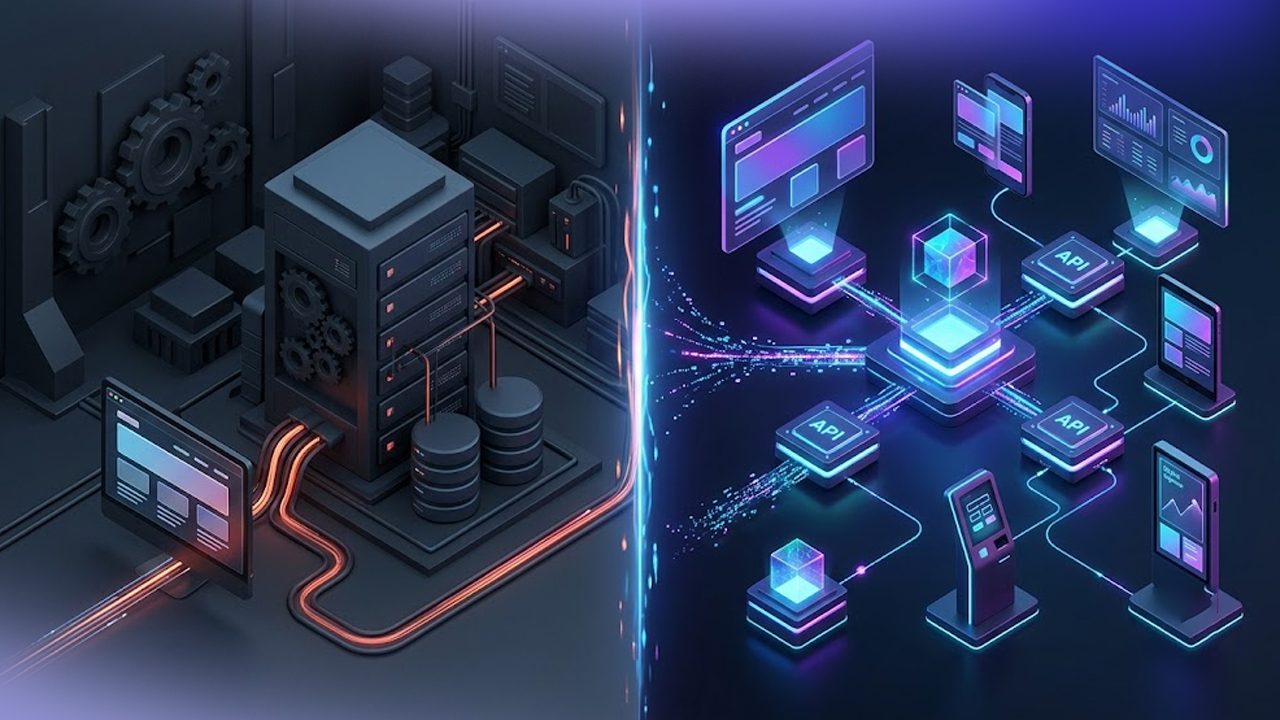

B2B buyers expect the same smooth online experience they get from consumer brands. They want accurate inventory, customer-specific pricing, fast ordering, and real-time updates. But for many distributors using Epicor Prophet 21, disconnected systems still create delays, manual work, and order mistakes.
That’s why more distributors are investing in Epicor ecommerce integration to connect their ERP with platforms like Shopify, Adobe Commerce, and BigCommerce.
According to Gartner, 80% of B2B sales interactions are already happening digitally. Businesses that still rely on disconnected systems will struggle to keep up.
In this blog, learn how Epicor ecommerce integration works, what challenges distributors face, and how to successfully connect P21 with your B2B storefront.
ON THIS PAGE
Why Epicor P21 and eCommerce Need to Work Together
Many distributors already use Epicor Prophet 21 as the central system for inventory, pricing, customers, purchasing, and order management.
But your storefront is where customers actually interact with your business.
Without proper integration:
- Inventory may show incorrect stock levels
- Orders may need manual entry
- Pricing may not match customer contracts
- Customers may see outdated product information
- Teams waste hours fixing errors
That’s where P21 ecommerce integration becomes critical.
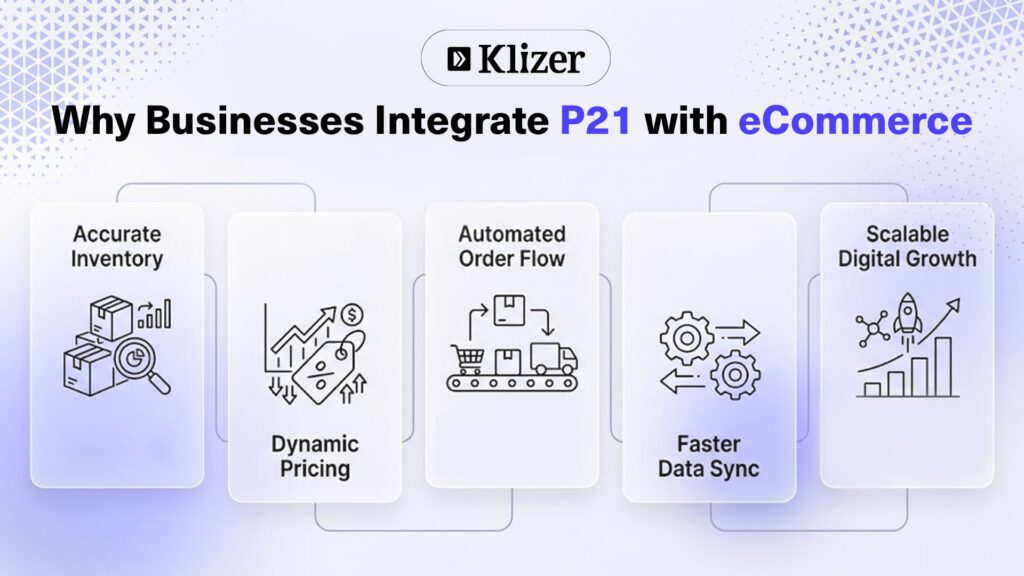
Instead of treating ERP and storefront as separate systems, integration creates a connected workflow where data moves automatically between both platforms.
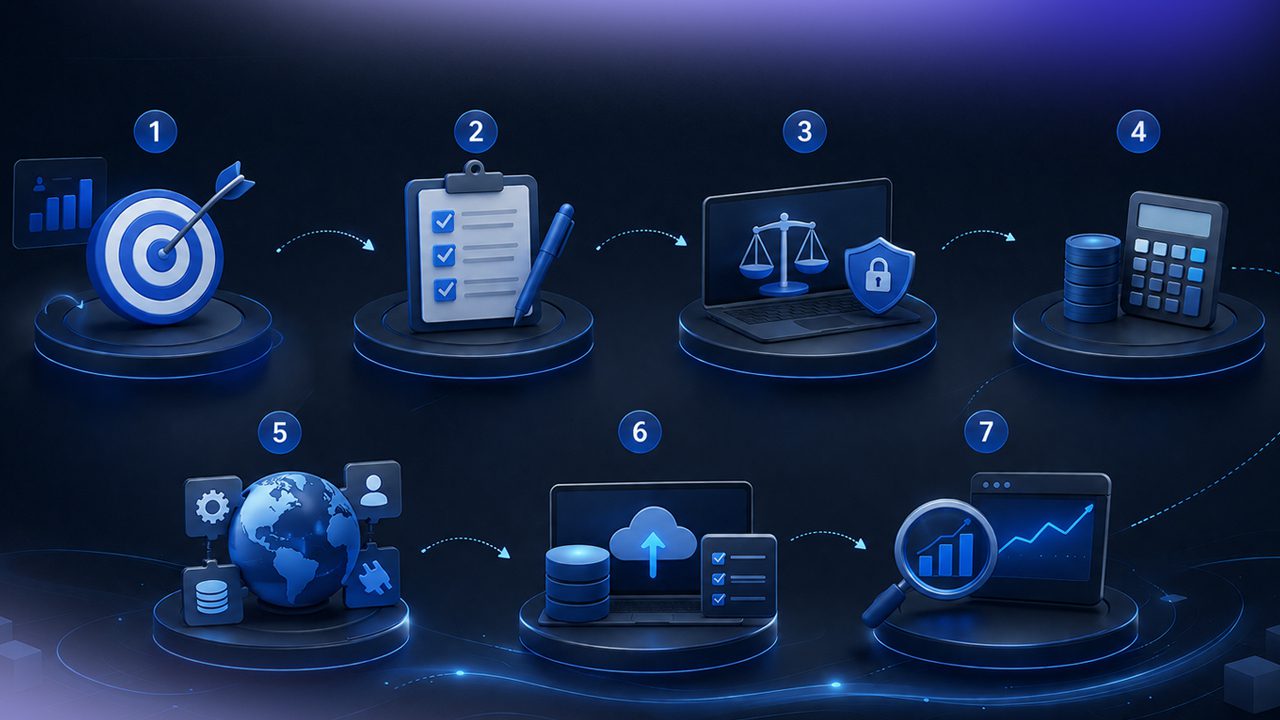
Step-by-Step Guide to Integrating Epicor P21 with eCommerce
Step 1: Define Your Integration Goals
Before writing code or selecting tools, identify:
- Which systems are the source of truth
- What data needs real-time sync
- Which workflows are manual today
- Expected order volume
- Customer pricing requirements
For most distributors:
- P21 becomes the master ERP
- The storefront handles customer experience
Step 2: Choose Your eCommerce Platform
Different platforms support different integration approaches.
Magento / Adobe Commerce
Adobe Commerce is highly customizable.
Best for:
- Enterprise distributors
- Advanced B2B workflows
- Complex catalogs
Advantages:
- Strong B2B capabilities
- Flexible architecture
Challenges:
- Higher development costs
- Longer implementation timelines
BigCommerce
BigCommerce offers strong API flexibility.
Best for:
- API-first businesses
- Multi-storefront environments
Advantages:
- Open integrations
- Strong scalability
Challenges:
- Advanced workflows may still need customization
Shopify
Shopify is popular for ease of use and fast deployment.
Best for:
- Mid-sized distributors
- Fast storefront launches
- Simpler B2B workflows
Challenges:
- Complex pricing logic may require customization
- ERP-heavy workflows need middleware
Step 3: Configure Product and Inventory Sync
This is the foundation of epicor ecommerce integration.
Key considerations:
- SKU mapping
- Product attributes
- Warehouse inventory visibility
- Unit of measure handling
- Customer-specific availability
Real-time inventory sync helps avoid overselling and improves buyer trust.
Example workflow:
- Inventory changes in P21
- API triggers update
- eCommerce platform refreshes stock levels
- Customers see accurate availability instantly
Step 4: Enable Customer-Specific Pricing
B2B pricing is rarely simple.
Many distributors using ecommerce for epicor prophet 21 require:
- Contract pricing
- Tiered pricing
- Quantity discounts
- Territory pricing
- Customer-specific catalogs
Your integration must pull pricing directly from P21 to ensure accuracy.
Without this:
- Customers may see incorrect prices
- Sales reps spend time fixing orders
- Margins can be affected
This is one of the biggest technical challenges in p21 ecommerce projects.
Step 5: Automate Order Flow
Once customers place orders online:
- Order enters storefront
- Integration validates customer and pricing
- Order syncs to P21
- ERP processes fulfillment
- Tracking updates return to storefront
This removes manual order entry and improves processing speed.
Businesses that automate order workflows can reduce operational costs by up to 30%.
Step 6: Handle Error Logging and Monitoring
Even strong integrations can fail without monitoring.
Common issues include:
- API timeout errors
- Duplicate SKUs
- Invalid pricing rules
- Inventory mismatches
- Order validation failures
Best practices:
- Maintain sync logs
- Configure alerts
- Retry failed transactions automatically
- Build dashboards for monitoring
A reliable epicor ecommerce integration is not just about syncing data. It’s about handling exceptions properly.
Common Challenges in Epicor P21 eCommerce Integration
1. Complex Pricing Structures
Many distributors have years of pricing logic inside P21.
Migrating that logic to storefronts can be difficult.
Solution:
- Keep pricing logic inside ERP
- Fetch prices dynamically via API
2. Inventory Across Multiple Warehouses
Distributors often maintain inventory across several locations.
Customers may need:
- Warehouse-specific stock
- Delivery estimates
- Regional fulfillment visibility
Solution:
- Use real-time warehouse sync logic
3. API Performance Issues
Large catalogs and high order volume can slow integrations.
Solution:
- Use caching where possible
- Optimize API calls
- Avoid unnecessary full catalog syncs
4. Data Conflicts
Different systems may store inconsistent data.
Solution:
- Define clear system ownership
- Standardize product and customer data
How Epicor Kinetic Fits into eCommerce Strategy
Many distributors are also evaluating Epicor Kinetic alongside P21 modernization initiatives.
As businesses grow digitally, epicor kinetic ecommerce strategies are becoming more important for manufacturers and hybrid distributors.
Key benefits include:
- Modern APIs
- Cloud scalability
- Better workflow automation
- Improved user experience
- Easier integration support
Businesses planning long-term digital transformation should evaluate how future ERP architecture supports ecommerce growth.
Best Practices for Successful Epicor eCommerce Integration
Keep P21 as the Source of Truth
Avoid duplicating business logic across systems.
Prioritize API Performance
Slow APIs directly impact customer experience.
Build Scalable Architecture
Your integration should support future growth.
Invest in Monitoring
Visibility helps prevent downtime and sync failures.
Test High-Volume Scenarios
Simulate peak ordering periods before launch.
Focus on Customer Experience
Technical integration should improve buyer experience, not complicate it.
Conclusion
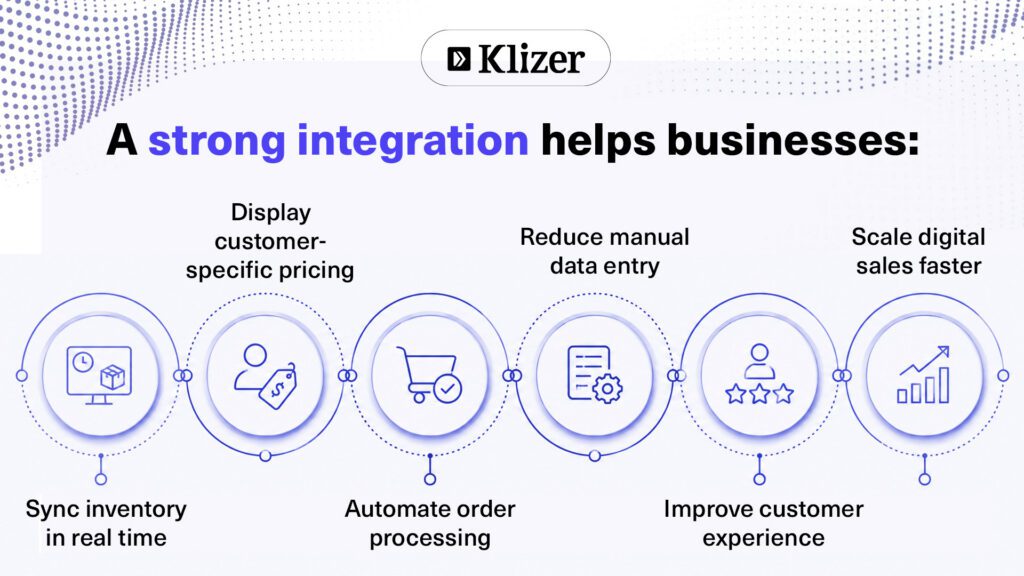
A successful Epicor ecommerce integration helps distributors connect P21 with their B2B storefront for real-time inventory, accurate pricing, automated order processing, and a better customer experience. Whether you use Shopify, Adobe Commerce, or BigCommerce, the right integration strategy can reduce manual work and support long-term digital growth.
If you’re planning a P21 ecommerce project, partnering with a trusted Epicor partner like Klizer can help you build a scalable and reliable integration. Reach out to Klizer to explore the right Epicor ecommerce integration approach for your business.