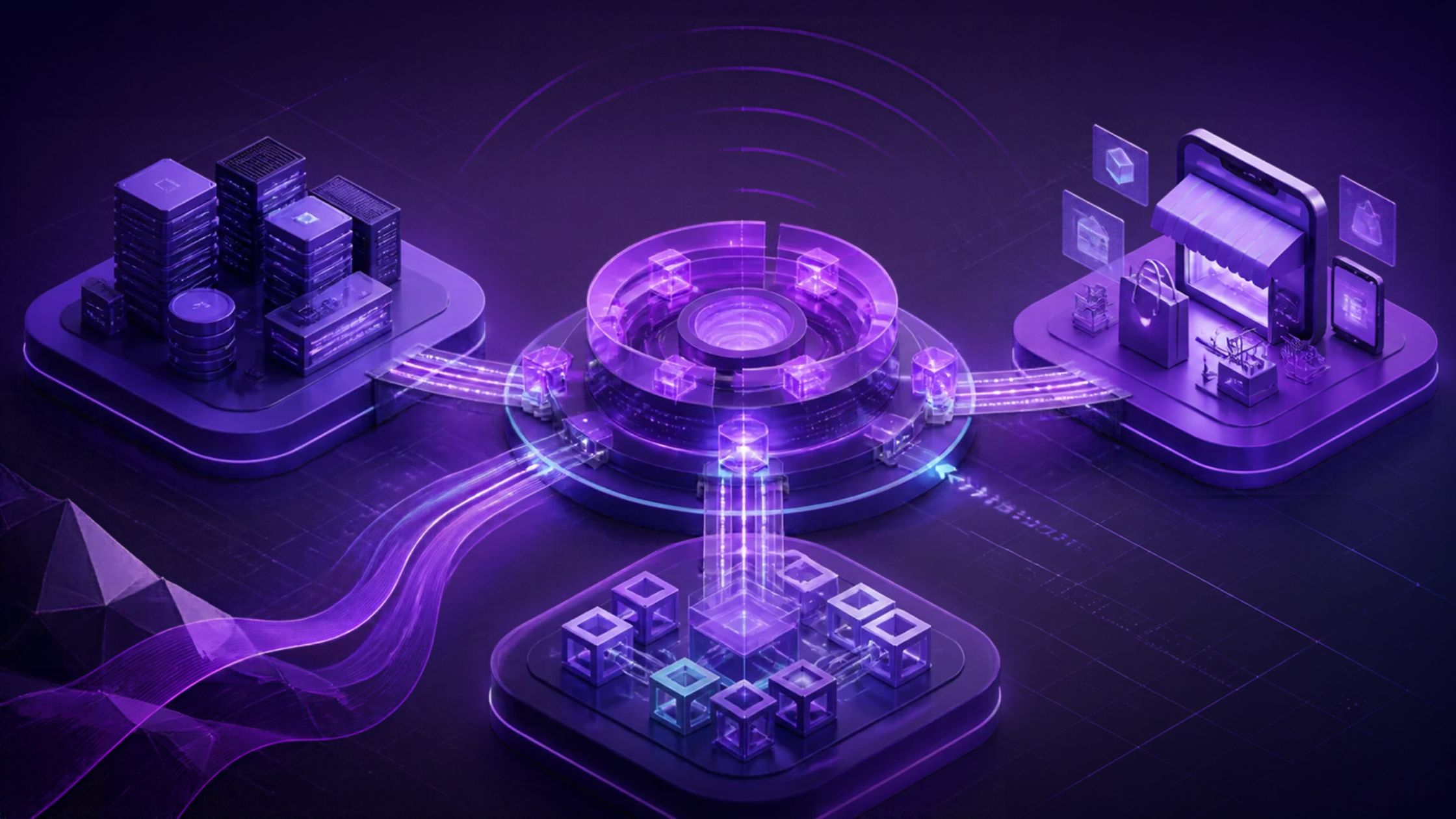
ERP, CRM, and ecommerce platforms manage different parts of an enterprise, but they often operate as separate systems. Ecommerce captures orders and customer activity, CRM manages customer and sales interactions, while ERP handles inventory, pricing, fulfillment, and financial operations. When these systems remain disconnected, teams work with fragmented data and manual handoffs.
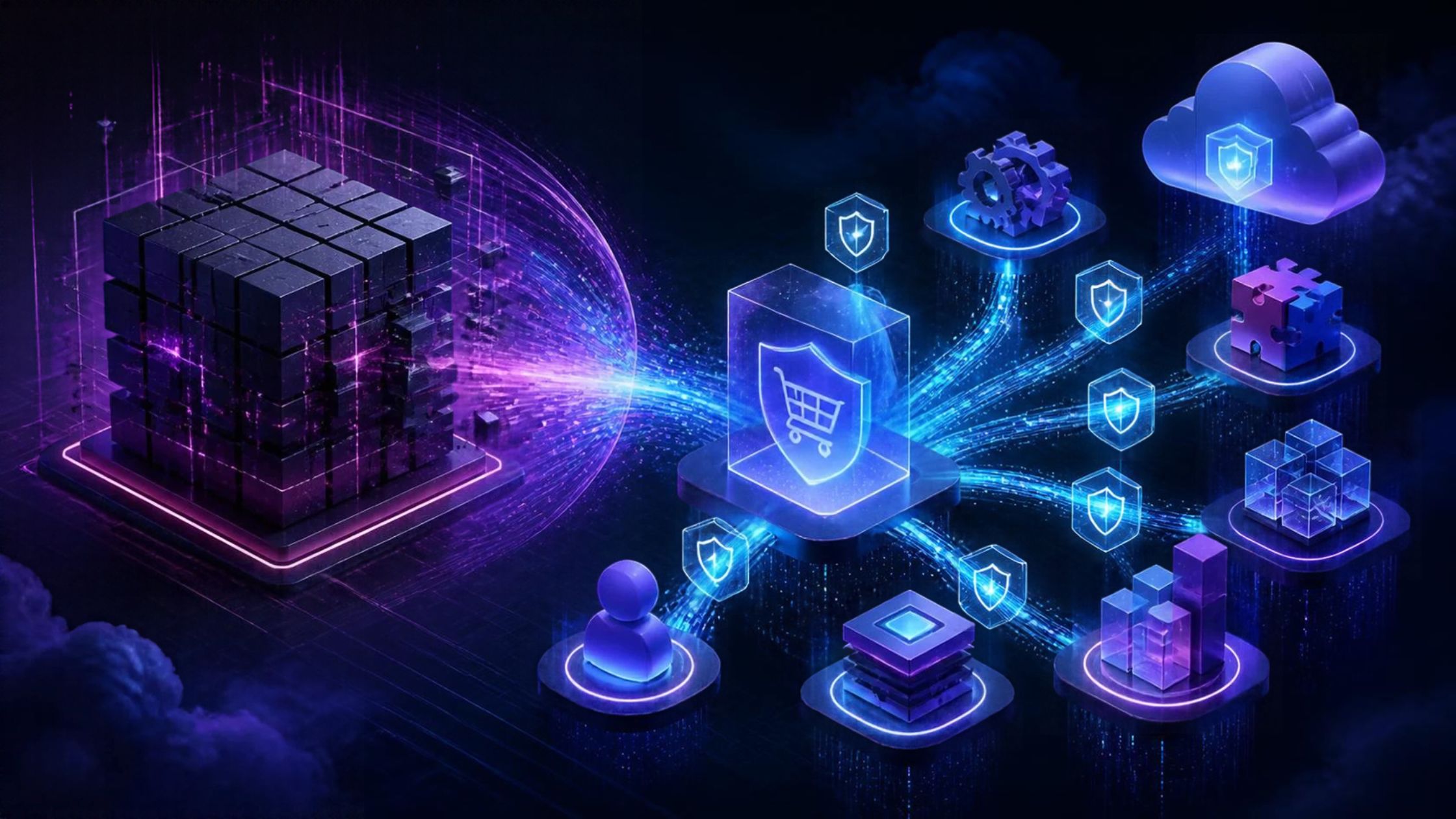
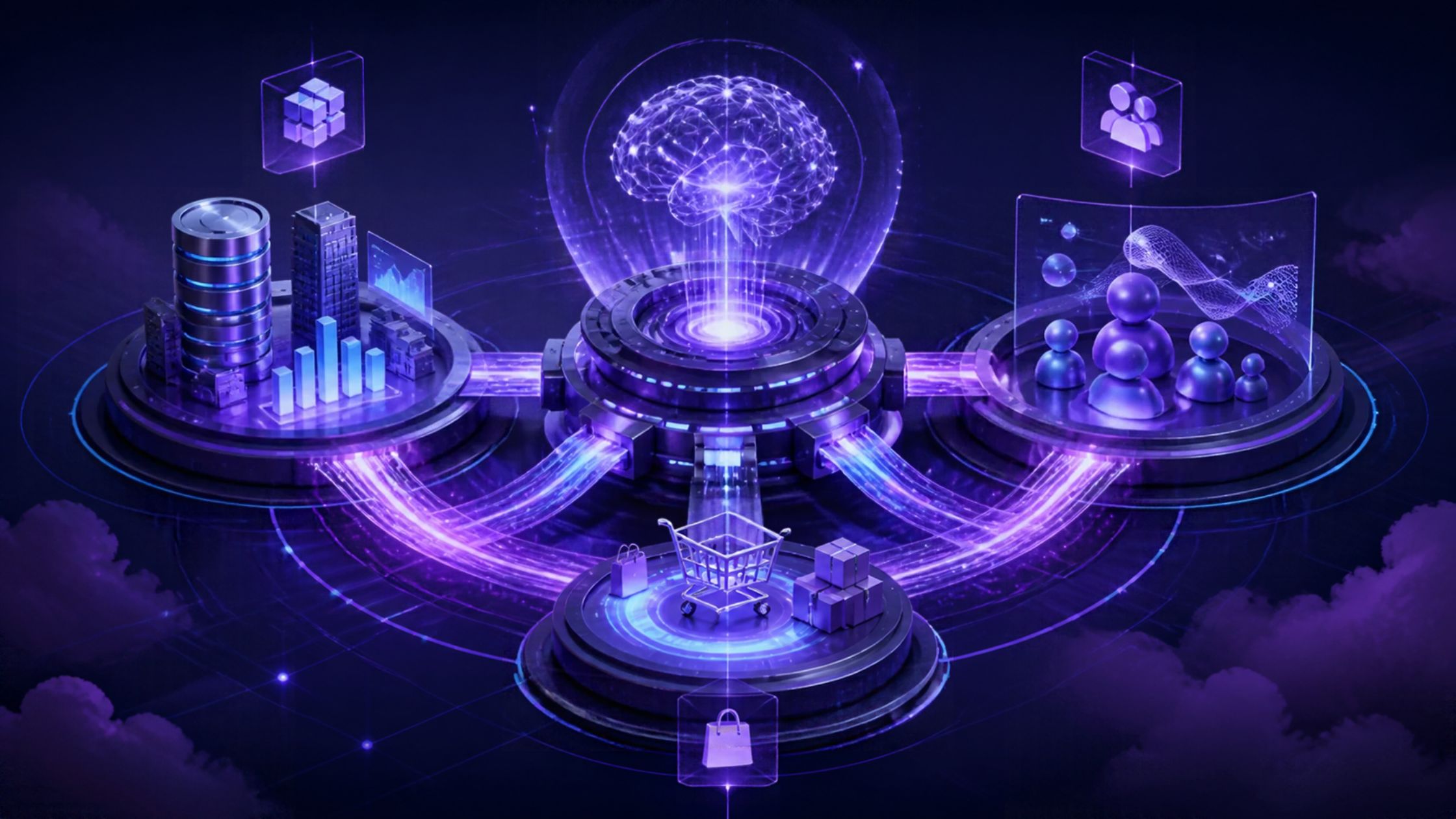
Enterprise AI integration connects AI capabilities with these systems so AI can work with data across business functions. It lets AI interpret information from ERP, CRM, and ecommerce within a shared business context rather than treating each platform as an isolated data source. This enables workflows across commerce, sales, customer service, and operations that can use AI-driven decisions.
ON THIS PAGE
Why Should You Connect ERP, CRM, and ecommerce with AI?
Connecting ERP, CRM, and ecommerce with AI brings customer, transaction, and operational data into a shared business context. This matters because enterprise technology environments remain highly fragmented. Salesforce cites 2025 research showing that only 29% of enterprise applications were connected. Its State of Data and Analytics report also found that data and analytics leaders estimated 19% of their companies’ data was trapped. When decisions depend on data from multiple systems, AI can combine that information to support cross-system workflows.
1. Unify business context
AI can combine customer, order, inventory, pricing, and operational data from connected systems to support coordinated decisions and actions.
2. Automate cross-system workflows
AI-enabled workflows can detect events, evaluate business conditions, and trigger approved actions across ERP, CRM, and ecommerce, reducing manual handoffs.
3. Improve decision-making
Connected data gives teams the information needed to assess orders, customer needs, inventory availability, pricing conditions, and sales opportunities.
4. Align customer and operational processes
Connecting CRM and ecommerce activity with ERP data helps ensure customer interactions reflect current account information, product availability, pricing, and fulfillment conditions.
5. Scale intelligent automation
Enterprises can expand AI capabilities across commerce, sales, customer service, and operations while keeping compatible existing core systems in place.
What Do You Need for Successful Enterprise AI Integration?
Successful enterprise AI integration requires reliable data, strong integration capabilities, defined business rules, and controls that govern how AI accesses information and takes action.
1. Reliable and governed data
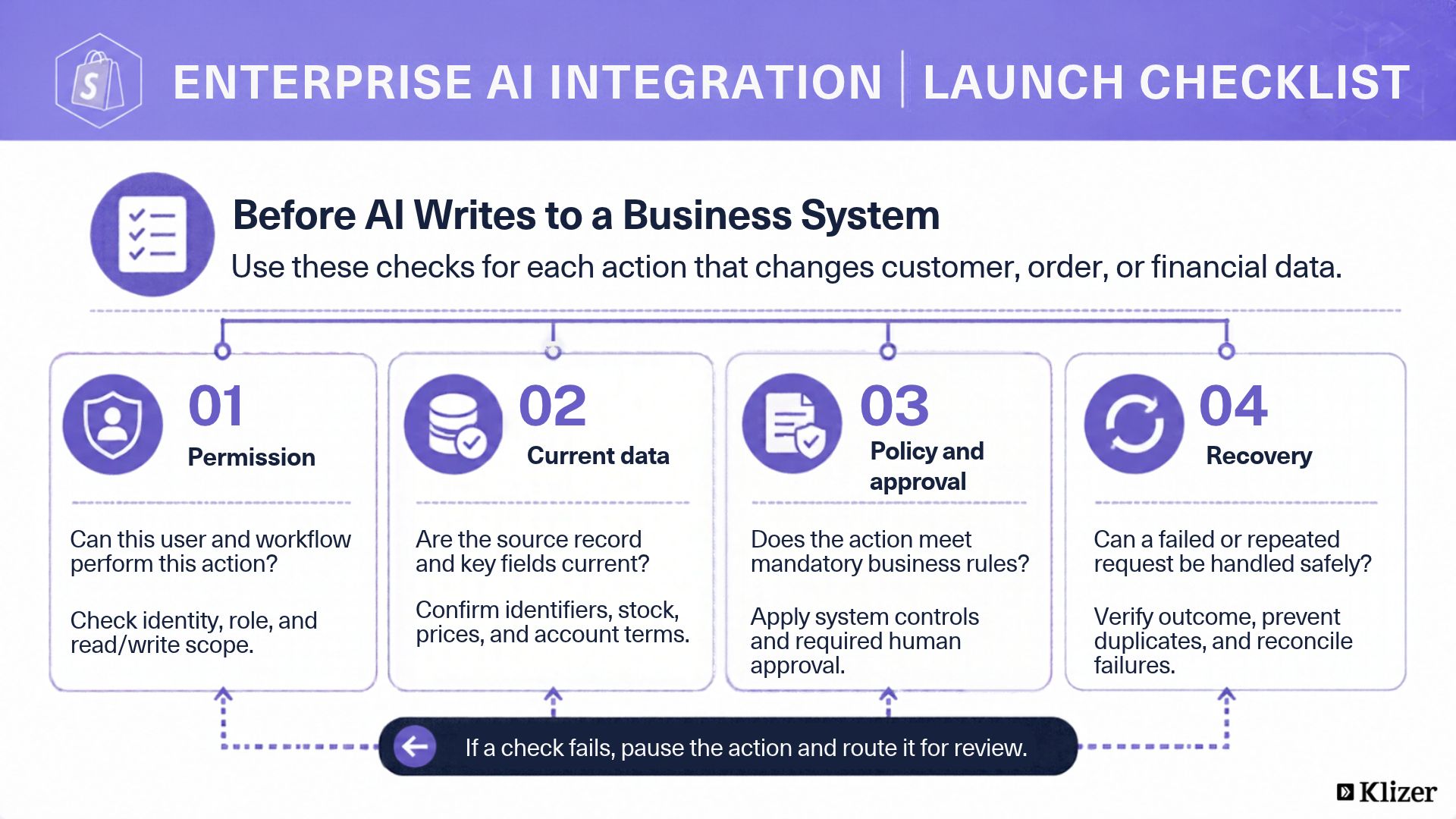
ERP, CRM, and ecommerce systems need accurate, consistent data so AI can work with current customer, product, order, and operational information. Define the authoritative source for each field, map shared identifiers, and set freshness requirements for inventory, pricing, and account terms.
2. Integration-ready systems
APIs, connectors, middleware, and event-driven architectures enable enterprise systems to exchange relevant data and support AI-driven actions across applications. IBM reported that 53% of surveyed executives said difficulties integrating AI infrastructure with legacy systems had derailed target outcomes.
For distributors already planning modernization, Prophet 21 cloud migration services can support that work. AI integration does not necessarily require cloud migration; assess supported interfaces, permissions, and system capacity first.
3. Defined business rules
AI workflows need clear policies, decision thresholds, approval requirements, and exception paths to keep automated actions aligned with business processes. Enforce mandatory pricing, credit, and authorization rules in application or workflow controls, rather than relying on model instructions alone.
4. Security and governance
Role-based access, data protection, audit trails, and governance controls help protect customer, financial, and operational information used by AI. Separate read and write permissions, validate tool inputs, and treat customer messages and retrieved documents as untrusted data rather than instructions.
5. Monitoring and human oversight
Enterprises need to monitor AI-driven workflows, identify failures, review decisions, and require human approval for high-impact actions. This becomes particularly important as enterprises adopt autonomous AI. Deloitte’s 2026 State of AI in the Enterprise report found that only about one in five surveyed organizations had a mature governance model for autonomous AI agents. Its analysis of the survey findings explains the oversight gap.
Start with one bounded workflow. Test data accuracy, permission failures, and recovery paths; compare completion time, exception rates, and incorrect actions against the existing process before expanding automation.
How Does Enterprise AI Integration Connect ERP, CRM, and ecommerce?
APIs and integration services exchange data between ERP, CRM, and ecommerce. AI evaluates relevant context, while the orchestration layer coordinates validated actions. The following sequence is a reference workflow; the order of system calls depends on the use case.
Step 1: Capture Business Signals From ecommerce
The workflow begins when the ecommerce platform records a customer interaction or transaction. Key ecommerce inputs include:
- Customer orders and transaction details
- Product views and purchase behavior
- Cart activity and abandoned carts
- Customer account and profile information
- Product and catalog data
Step 2: Add Customer Context From CRM
The CRM enriches the initial event with information about the customer, account, and sales relationship. Key CRM inputs include:
- Customer and account history
- Sales activities and opportunities
- Previous service interactions
- Customer preferences and engagement
- Account-specific requirements or terms
Step 3: Validate Operational Conditions Through ERP
The ERP checks whether the requested action aligns with current operational and financial conditions. For distributors using Epicor Prophet 21, Epicor ecommerce integration can connect ERP information with the customer-facing commerce experience. Key ERP inputs include:
- Inventory availability
- Product and customer-specific pricing
- Order and fulfillment status
- Account terms and credit conditions
- Procurement and financial data
Step 4: Evaluate the Combined Context With AI
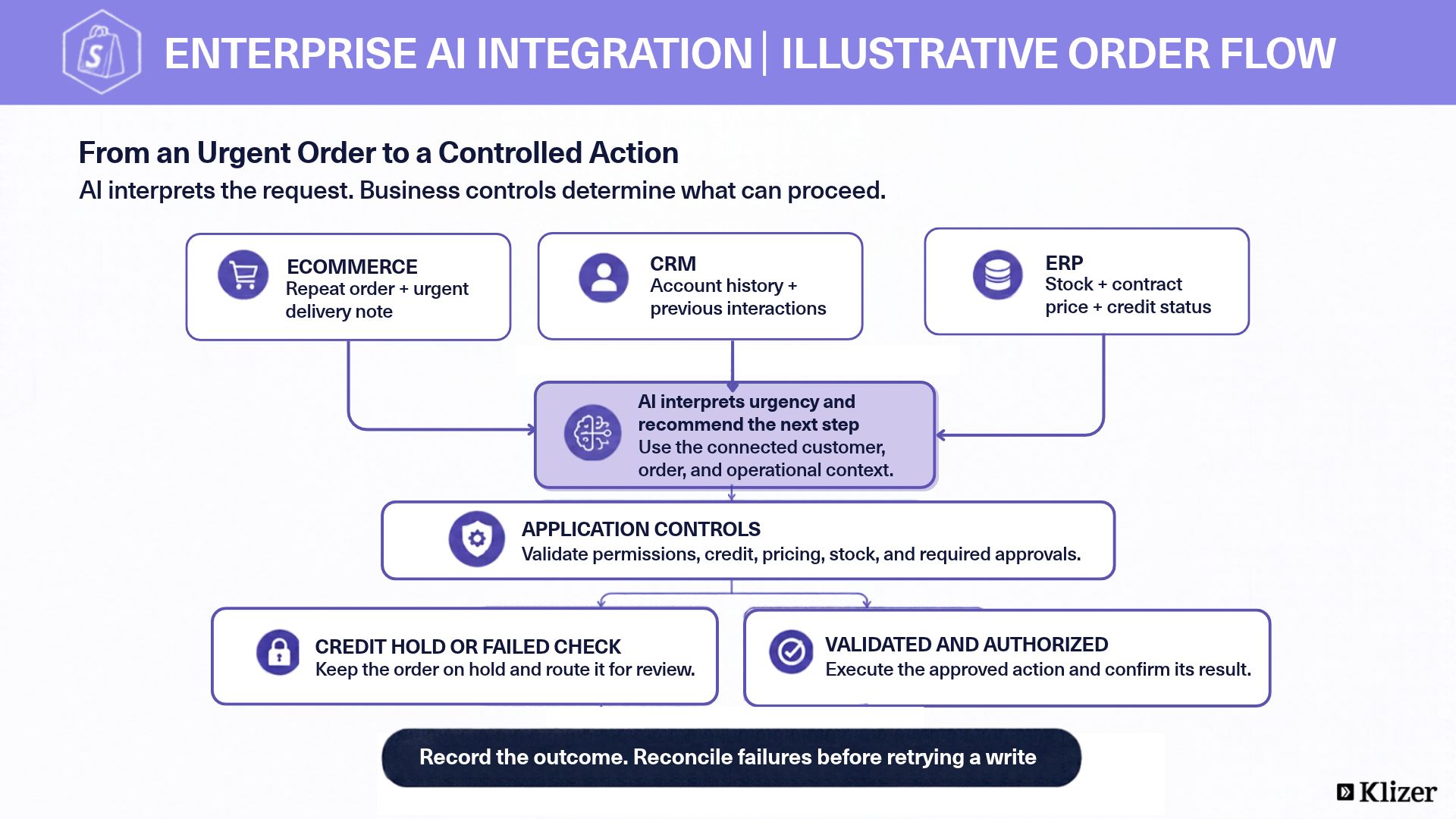
AI evaluates information from the connected systems to recommend an appropriate response. Application controls validate that response against mandatory business rules and operating conditions. At this stage, AI can:
- Identify relevant patterns or conditions
- Assess context within approved decision thresholds
- Prioritize orders, customers, or opportunities
- Detect exceptions that require attention
- Recommend or initiate the next workflow action
Step 5: Orchestrate the Business Action
The orchestration layer validates the proposed action, obtains any required approval, and executes it within the appropriate enterprise system. Where Magento is part of the commerce stack, Magento ERP integration can connect commerce activity with ERP data and support coordinated order and operational workflows.
- Update customer or order records
- Trigger fulfillment or operational processes
- Route exceptions to the appropriate team
- Send customer or internal notifications
- Request human approval before high-impact actions
Confirm the system response before reporting success. Design safe retries and duplicate prevention around the destination API’s capabilities, and route partial failures for reconciliation.
Which Enterprise Workflows Can AI Integration Improve?
AI integration can improve enterprise workflows that depend on data and actions across ERP, CRM, and ecommerce.
1. Intelligent Order Management
AI can coordinate order processing by evaluating transaction details alongside customer and operational conditions. Key workflow improvements include:
- Validating orders against inventory, pricing, and account conditions
- Identifying exceptions before fulfillment
- Routing orders according to business rules and operational constraints
- Prioritizing urgent or high-value orders
- Triggering follow-up actions across connected systems
For example, consider a distributor receiving a repeat order with an urgent delivery note. AI can interpret the note using CRM history, while ERP controls validate stock, contract pricing, and credit status. If the account is on credit hold, the workflow routes the order for review instead of releasing it automatically.
2. AI-Powered Customer Service
AI can combine customer records, order history, and operational information to help service teams resolve requests using relevant business information. AI can support service workflows by:
- Retrieving customer, order, and account information
- Providing current product and fulfillment details
- Identifying previous interactions and unresolved issues
- Routing complex cases to the appropriate team
- Updating relevant records after a service interaction
3. Sales Opportunity Prioritization
AI can analyze CRM activity, purchase history, and ecommerce behavior to identify opportunities that warrant sales attention. Relevant signals can include:
- Recent purchases and order frequency
- Account engagement and sales activity
- Changes in buying behavior
- Product interest and transaction history
- Customer-specific purchasing conditions
4. Inventory and Demand Intelligence
AI can combine demand signals with inventory data to identify supply risks and support replenishment decisions. This can help teams:
- Detect changes in product demand
- Identify potential inventory shortages
- Prioritize replenishment requirements
- Compare demand patterns with available stock
- Surface conditions that require operational review
5. Personalized B2B Commerce
AI can use customer, product, and account data to support commerce decisions that reflect account-specific requirements. For enterprises using Shopware, Shopware Commerce Development Services can support integration with ERP, CRM, PIM, and other business systems. Relevant inputs include:
- Account-specific pricing and terms
- Previous purchasing behavior
- Current product availability
- Order history
- Fulfillment and service requirements
Frequently Asked Questions
1. Can enterprise AI integration work with legacy ERP and CRM systems?
Legacy ERP and CRM systems can often support AI integration through APIs, middleware, connectors, or other integration layers. Feasibility depends on supported interfaces, access controls, data quality, and system capacity.
2. What is the difference between AI integration and AI orchestration?
AI integration establishes connections between AI capabilities and business systems, while AI orchestration manages how AI, data, tools, and workflows work together to complete a process. Routine, predictable synchronization can use rules-based integration without AI.
3. Is enterprise AI integration secure?
Security depends on the implementation. Enterprise AI integration needs access controls, encryption, data governance, monitoring, and policies that define what AI can access and execute.
4. Can enterprise AI integration support multiple AI models?
Yes, an enterprise integration architecture can support multiple AI models or providers when the integration and orchestration layers are designed to route workloads based on business requirements.
5. How do enterprises prepare their data for AI integration?
Enterprises should standardize, cleanse, govern, and organize critical business data so AI can access reliable information with appropriate permissions and relevant business context.
Conclusion
The strategic value of enterprise AI integration lies in building an architecture that can adapt as business processes and AI capabilities evolve. Enterprises should build for extensibility, governance, and orchestration rather than treating each AI initiative as a standalone implementation.
Klizer approaches this through Connected Commerce, aligning Foundation, Storefront, Integration, and Intelligence to create an architecture for scalable AI adoption. For industrial B2B manufacturers and distributors, this means reliable operational data and governed integrations must support the Intelligence layer before automation expands.
Discuss your ERP, CRM, and ecommerce workflow with Klizer’s enterprise AI orchestration team to identify the connections and controls needed for your first use case.