

A Shopware self-service portal gives B2B buyers direct access to account information and purchasing functions without relying on sales teams for routine requests. Through a B2B customer portal, customers can view account-specific pricing, place and repeat orders through self-service ordering, track purchases, access invoices, and manage their accounts online.
For manufacturers and distributors, this approach can reduce manual order processing and repetitive customer inquiries while giving customers greater control over online account management. When connected with ERP and CRM systems, customer self-service software can help keep product, pricing, inventory, and order data aligned across customer-facing and back-office operations. Building an effective self-service experience requires businesses to map customer needs, B2B workflows, and the systems that support them.
ON THIS PAGE
Why Do B2B Businesses Need a Self-Service Portal Built with Shopware?
B2B purchasing involves frequent requests that can create unnecessary work for sales and support teams. A B2B self-service portal built with Shopware shifts eligible interactions to a digital channel, reducing manual effort across routine B2B distributor processes. The shift toward digital commerce is already widespread across B2B, with McKinsey’s 2026 Global B2B Pulse Survey finding that 71% of B2B companies offer ecommerce and among those companies, roughly one-third of revenue comes through ecommerce.
Reduce Administrative Work
Manual requests often require employees to review, verify, and enter information before taking action. Moving suitable interactions to Shopware reduces repetitive administrative work and the risk of data-entry errors.
Reduce Routine Support Work
Sales and support teams often spend time responding to requests that follow predictable processes. A self-service model built with Shopware reduces this workload and gives employees more capacity for higher-value customer interactions.
Improve Customer Independence
B2B buyers do not need assistance for every routine interaction. A self-service approach lets customers handle eligible requests independently instead of relying on employees for basic assistance.
Support Scalable Operations
Growing customer volumes can increase manual workload when businesses rely heavily on employee-assisted processes. A self-service portal helps handle higher volumes without increasing manual effort at the same rate.
What Are the Essential Features of a B2B Customer Portal?
A B2B customer portal should provide account-specific purchasing information and controls. The essential features include personalized pricing, self-service ordering, online account management, and purchasing permissions. The adoption of these experiences is already significant: a 2025 Statista+ study of 100 US-based B2B buyers conducted for Spryker found that 90% of surveyed B2B buyers were aware of self-service portals, and, among those aware of portals, 79% actively used them.
Customer-Specific Pricing and Product Catalogs
The portal should display the products, prices, and purchasing terms assigned to each customer account.
Self-Service Ordering and Reordering
Customers should be able to search for products, place orders, and reorder previously purchased items without contacting sales representatives. This self-service ordering process supports routine transactions directly through the portal.
Online Account Management and Order Tracking
Customers should be able to view account details, order history, order status, invoices, and shipping information from one portal. This gives customers centralized access to their transaction records.
Company Accounts and Purchasing Permissions
The portal should support multiple users within a company, with roles, approval workflows, and permissions that control who can place or approve orders.
What Are the Steps to Build a Shopware Self-Service Portal?
Building a Shopware self-service portal starts with defining B2B requirements and continues through configuration, integration, customization, testing, and ongoing optimization.
Step 1: Define Customer and Business Requirements
Start by determining what the portal must support for customers and internal teams. Map the purchasing processes, customer structures, approval requirements, and business workflows before configuring Shopware. Define the requirements by:
- Identifying customer groups and purchasing needs
- Mapping current B2B processes
- Documenting account structures and approval rules
- Prioritizing required portal capabilities
Step 2: Configure Shopware for B2B Commerce
Translate the approved requirements into the capabilities available in your Shopware version and plan. Shopware B2B Components require the Shopware Commercial extension and are available from the Evolve plan. Confirm feature availability before configuration. Configure the platform to match the way customers and internal teams manage transactions. Configure Shopware by:
- Setting up customer accounts and sales channels
- Applying customer-specific pricing and product rules
- Defining user roles and permissions
- Configuring relevant B2B commerce settings
Step 3: Integrate ERP and Business Systems
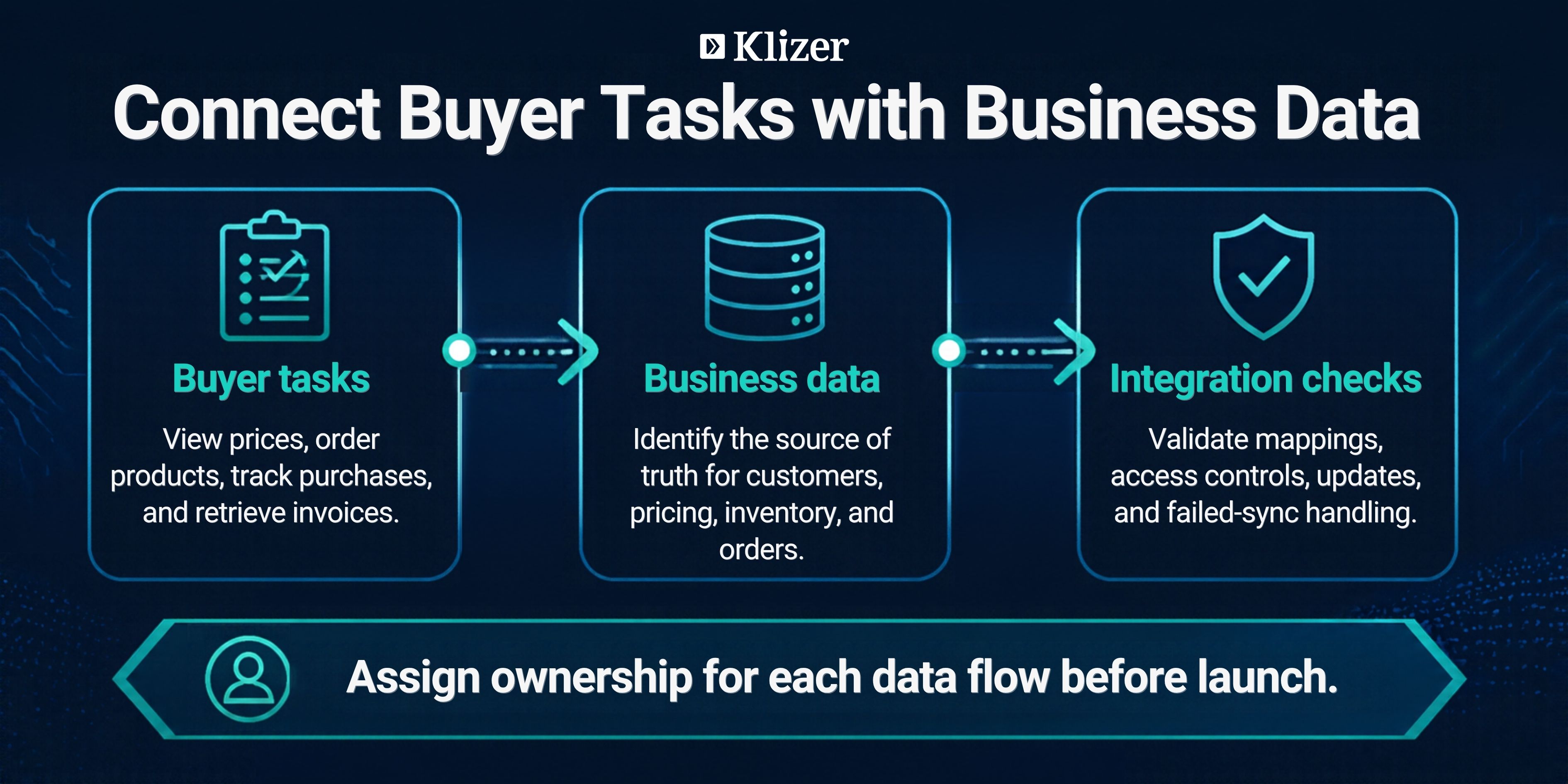
Connect Shopware with the ERP and business systems that provide the data and processes the portal depends on. The integration scope should reflect the business’s existing technology stack and operational requirements. Plan integrations around:
- Customer and account data
- Product and pricing data
- Order and inventory data
- Fulfillment and other required business processes
Manufacturers and distributors may need to connect Shopware with ERP platforms such as SAP, NetSuite, or Epicor products, including Prophet 21, depending on their existing environment.
Step 4: Customize Portal Workflows
Use custom development only where standard Shopware capabilities cannot meet a specific B2B requirement. For complex purchasing rules, B2B workflows can help structure approvals, pricing, ordering, and other processes. Customize the portal by:
- Extending account or approval workflows
- Adding business-specific logic
- Adapting customer workflows
- Developing required portal functionality
Step 5: Test, Launch, and Optimize
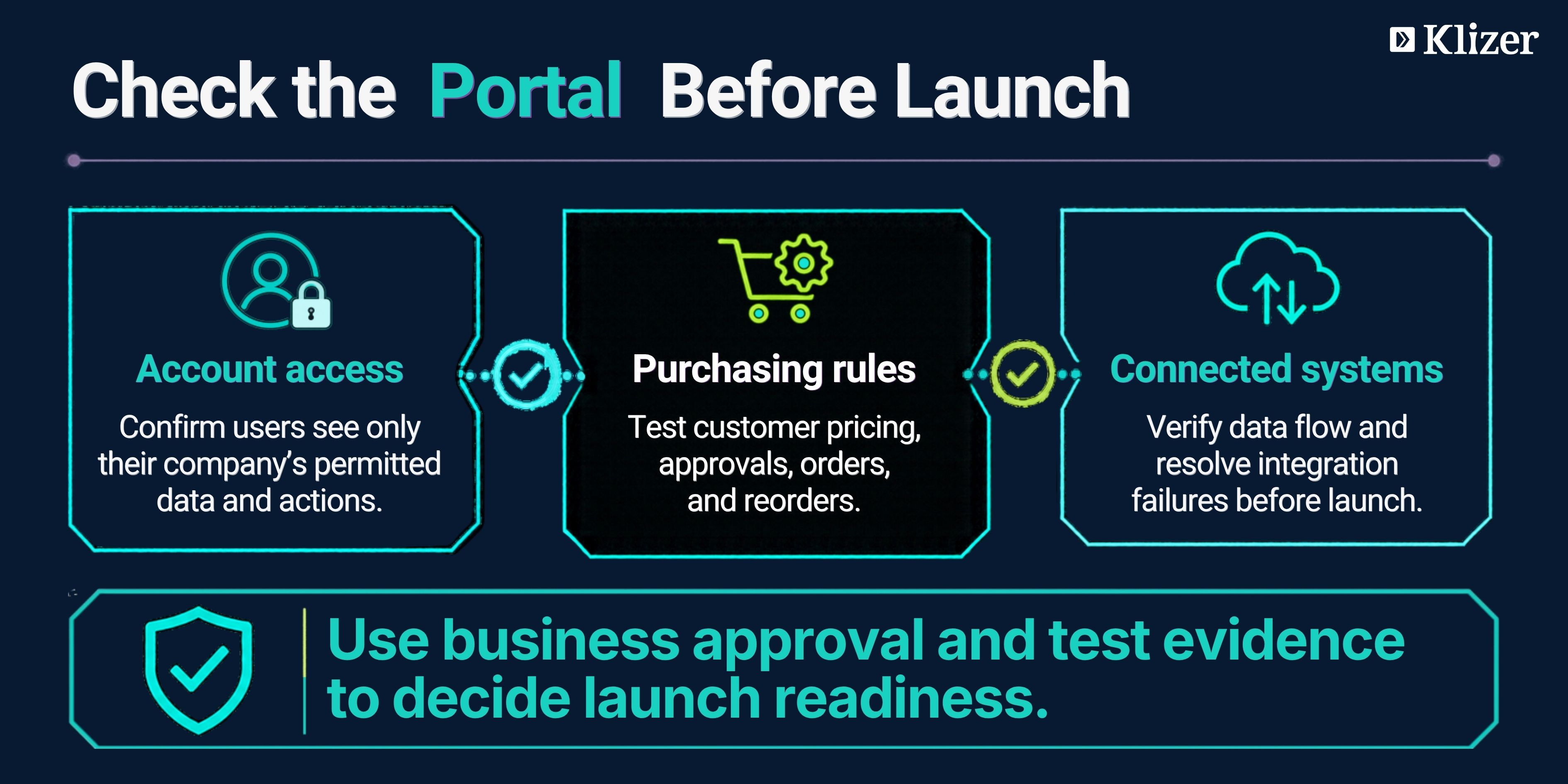
Validate the portal before launch, then use real customer and operational data to identify improvements after deployment. Testing should cover the customer experience, business rules, and connected systems. Prepare the portal for launch by:
- Testing customer accounts and permissions
- Verifying pricing and ordering workflows
- Checking integrations and data flow
- Resolving issues before deployment
- Monitoring usage and performance after launch
Best Practices for a Successful B2B Self-Service Portal
A B2B self-service portal should reflect actual customer needs and business requirements. These practices help businesses maintain a consistent, secure, and adaptable portal as requirements evolve.
Design Around Real Customer Workflows
Build the portal around the tasks customers complete most often. For businesses with complex B2B requirements, a Shopware API-first architecture can provide greater flexibility for connecting commerce capabilities with external systems.
Keep Customer Journeys Consistent
Use consistent navigation, terminology, and processes across the portal. A predictable experience helps customers move between account activities without having to learn different workflows.
Build for Future Requirements
Account structures, product ranges, pricing models, and business processes can change over time. Use a flexible architecture that allows the portal to accommodate these changes without extensive redevelopment.
Prioritize Security and Compliance
Protect customer and business information with appropriate authentication, authorization, data protection, and security controls. Review security requirements as the portal and its connected environment evolve.
Establish Clear Portal Governance
Assign responsibility for portal content, business rules, access policies, and technical maintenance. Regular reviews help identify outdated configurations and keep the portal aligned with current business requirements.
When Should a Business Invest in a B2B Self-Service Portal?
Businesses should consider a B2B self-service portal when customer demand, operational processes, technology, and investment goals support digital self-service. Customer expectations provide one of the clearest signals for investment, and Gartner’s 2026 research found that 67% of B2B buyers prefer a rep-free buying experience, highlighting the growing importance of digital channels for routine purchasing activities.
Customers Expect Digital Access
Requests for online ordering, account access, order visibility, or other digital services indicate customer demand for self-service. Review customer feedback and support requests to identify recurring needs.
Existing Processes Are Ready for Digitalization
Defined, repeatable customer processes provide a strong foundation for self-service. Identify which interactions can move online and which require employee involvement.
Business Systems Can Support the Experience
A portal depends on reliable customer, product, pricing, and order data. Assess existing systems and integration capabilities before starting the project.
The Business Has a Clear Business Case
Set measurable objectives for the portal, such as increasing digital transactions, improving adoption, or reducing reliance on manual channels. Use these objectives to evaluate the investment.
The Organization Can Support the Portal
Assign ownership for governance, technical maintenance, customer adoption, and ongoing improvements before launch.
Frequently Asked Questions
Can a Shopware B2B portal support multiple company locations?
Yes. A Shopware B2B portal can support customers with multiple locations when the account structure and business rules are configured to reflect those organizational requirements.
Can a Shopware self-service portal support international B2B customers?
Yes. Businesses can configure B2B commerce experiences for different markets, currencies, languages, and regional requirements based on their Shopware setup.
How can businesses migrate existing B2B customers to a Shopware portal?
Businesses can migrate customer and related commerce data into Shopware through a planned data migration process that includes data mapping, validation, testing, and cutover.
How can businesses measure whether customers are adopting a B2B portal?
Businesses can measure adoption through metrics such as registered users, portal login frequency, self-service transaction volume, repeat usage, and the share of eligible transactions completed through the portal.
Can a Shopware B2B portal evolve as a business grows?
Yes. A well-planned portal can evolve through additional integrations, workflow changes, new customer requirements, and other enhancements as the business expands.
Conclusion
A Shopware self-service portal should not operate as a standalone customer-facing tool. Its strategic value comes from connecting the digital buying experience with the systems, processes, and data that run the business.
Klizer helps manufacturers and distributors connect Shopware with their broader commerce ecosystem, including ERP, CRM, and other business systems. Within Connected Commerce, the ERP Foundation supplies operational data, the Storefront supports buyer tasks, and Integration keeps the two aligned. Intelligence can help teams evaluate adoption and identify where customers still need assistance.
Ready to build a connected B2B self-service experience with Shopware? Talk to Klizer’s Shopware team about your requirements.